
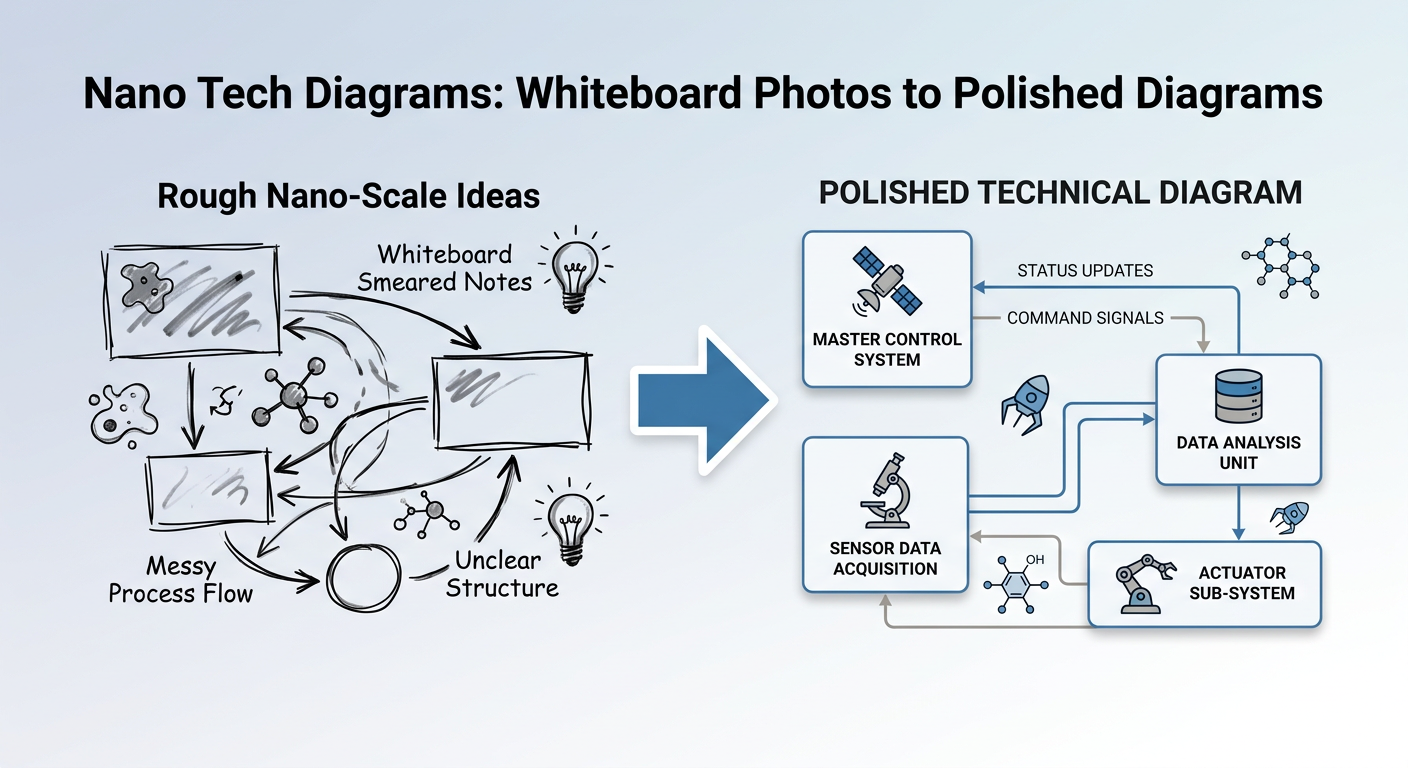
Every technical team has the same problem: someone draws a great architecture diagram on a whiteboard, takes a photo, and that photo becomes the permanent documentation. It's crooked, the marker is fading, half the labels are illegible, and it looks terrible in any document.
Nano Tech Diagrams converts those whiteboard photos — or plain text descriptions — into polished, professional technical diagrams using Fal AI's Nano Banana 2 model. It's available as a desktop GUI, CLI tool, MCP server, and npm package.
Three Modes of Operation
Whiteboard Cleanup — Converts messy whiteboard photos into clean diagrams. Corrects perspective distortion, removes the physical whiteboard and markers, disambiguates handwriting, and applies a dictionary of technical terms for spelling accuracy.
Image-to-Image — Transform any existing image using a diagram type preset, custom prompt, style preset, or any combination. Take a rough sketch and apply a blueprint aesthetic, or restyle an existing diagram into dark mode.
Text-to-Image — Generate diagrams from pure text descriptions. No input image needed. Describe what you want and pick a style.
28 Style Presets
Professional (6)
Clean & Polished — white background, clear hierarchy (default)
Corporate Clean — minimalist navy/grey, slide-ready 16:9
Hand-Drawn Polished — refined sketch aesthetic
Minimalist Mono — black and white Bauhaus
Ultra Sleek — hairline lines, Swiss design, maximum negative space
Blog Hero — soft gradient, brand-color accent, 16:9 blog ready
Creative (9)
Colorful Infographic — bold, vibrant, energetic
Comic Book — thick outlines, Ben-Day dots
Isometric 3D — modern SaaS aesthetic with depth
Neon Sign — glowing neon on dark brick
Pastel Kawaii — soft, bubbly, adorable
Pixel Art — 16-bit retro chunky pixels
Stained Glass — jewel tones with lead came lines
Sticky Notes — cork board, casual, collaborative
Watercolor Artistic — translucent washes, ink pen quality
Technical (7)
Blueprint — white/blue lines on deep blue engineering aesthetic
Dark Mode Technical — neon on dark, developer-friendly
Flat Material — Material Design, Google-style
GitHub README — optimized for markdown embedding
Photographic 3D — photorealistic objects, studio lighting
Terminal Hacker — phosphor green CRT scan-lines
Visionary Inspirational — cosmic gradient, glowing nodes, keynote aesthetic
Retro & Fun (5)
Chalkboard, Eccentric Psychedelic, Mad Genius, Retro 80s Synthwave, Woodcut
Language (2)
Bilingual Hebrew — English + Hebrew labels, RTL layout
Translated Hebrew — fully Hebrew, native speaker optimization
20 Diagram Type Presets
Infrastructure: Network Diagram, Cloud Architecture, Kubernetes Cluster, Server Rack / Data Center
Software: System Architecture, Microservices Map, API Architecture, Database Schema / ER Diagram
Process: Flowchart, Decision Tree, Sequence Diagram, State Machine, CI/CD Pipeline
Conceptual: Mind Map, Wireframe / UI Mockup, Gantt Chart / Timeline, Comparison Matrix, Org Chart / Hierarchy
Four Interfaces
Desktop GUI (Python/PyQt6) — Drag-and-drop images, select styles, preview results, system tray integration. Right-click outputs to send them back for touchups. Available as a .deb package for Ubuntu/Debian.
CLI (Python) — For scripting and batch processing.
nano-tech-diagrams whiteboard.jpg --whiteboard --style blueprintMCP Server (TypeScript + Python) — Integrate with Claude Code and other MCP clients. Add with:
claude mcp add nano-tech-diagrams -e FAL_KEY=your-key -- npx -y nano-tech-diagramsnpm Package — Published as
nano-tech-diagramsfor programmatic use.
MCP Tools
The MCP server exposes five tools for Claude integration:
list_styles — all 28 styles with categories
list_diagram_types — all 20 diagram types with categories
whiteboard_cleanup — takes image path, style, dictionary words, format, resolution, aspect ratio
image_to_image — transform existing images with prompt, style, and diagram type
text_to_image — generate diagrams from text descriptions
Output Options
Formats: PNG (default), JPEG, WebP
Resolution: 0.5K, 1K (default), 2K, 4K
Aspect ratios: auto, 1:1, 4:3, 3:4, 16:9, 9:16, 3:2, 2:3, 21:9, 9:21
Variants: 1-4 different outputs per job
The repo is at github.com/danielrosehill/Nano-Banana-Tech-Diagram-Maker — published on npm as nano-tech-diagrams.