
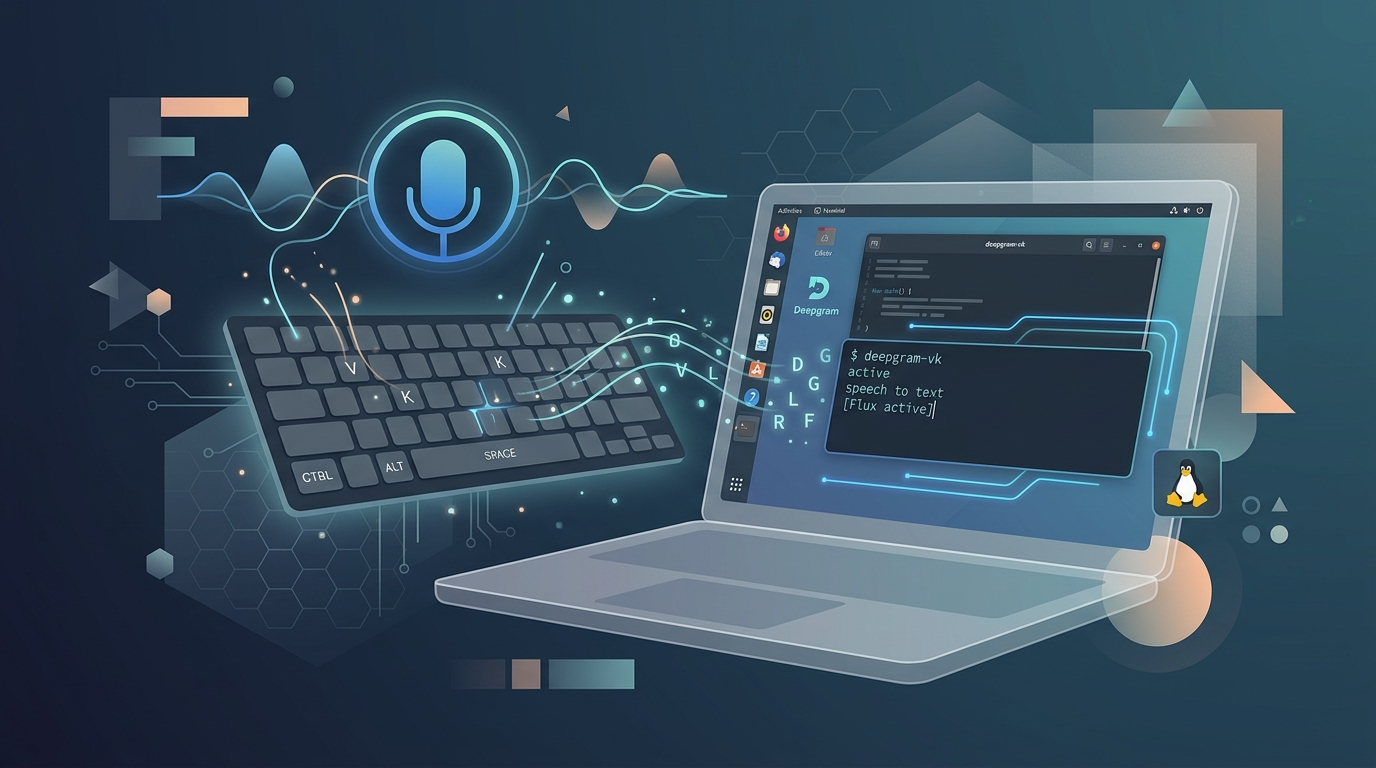
Deepgram recently released Flux, their new turn-taking speech-to-text API, and I wanted to build something practical with it rather than just kicking the tyres with curl commands. The result is a voice keyboard for Linux — a Rust application that creates a virtual input device at the kernel level and types transcribed speech into any application in real time. I dictate a huge amount of my work (this blog post probably started as dictation), and having a system-level voice keyboard that works with every application regardless of whether it has its own speech input has been genuinely useful. The project is on GitHub.
The privilege escalation dance
Building a voice keyboard on Linux involves an architectural challenge that's invisible on macOS or Windows: creating a virtual keyboard device requires root access to /dev/uinput, but audio input requires user-space access to PipeWire or PulseAudio. You can't have both simultaneously without some creative privilege management. The solution I landed on: the application starts with root privileges (via sudo) to create the virtual keyboard device, then immediately drops privileges back to the user level for audio access. It's a clean approach that avoids permanent system changes or suid binaries. The virtual keyboard persists as long as the process runs, and when it terminates, the device is cleanly removed. No lingering system modifications, no security footprint beyond what's needed during the session.
Making streaming transcription feel natural
One of the trickier engineering challenges was handling transcript updates efficiently. Flux sends streaming updates roughly every 240ms as it refines its understanding of what you're saying, and naively replacing the entire transcript each time would cause visible character flickering that looks terrible and confuses applications with undo history. The solution uses an incremental diff approach: for each update, the application finds the common prefix between the current and new transcript, backspaces only the characters that changed, and types the new ending. This minimises cursor movement and produces smooth, natural-looking text updates. The result feels like a fast typist rather than a machine — characters appear progressively as you speak, with occasional corrections that happen too fast to be distracting.
The project includes a graphical interface for easy control, with persistent API key storage, hotkey toggling (F13 by default — a key that exists on most keyboards but nobody uses), and visual status indicators with audible start/stop feedback. Because it creates a virtual input device at the kernel level, it works with every Linux application — browsers, terminals, editors, Slack, everything. That universality is the key advantage over application-specific dictation tools. If you're interested in low-latency speech-to-text on Linux, the full source is on GitHub.