
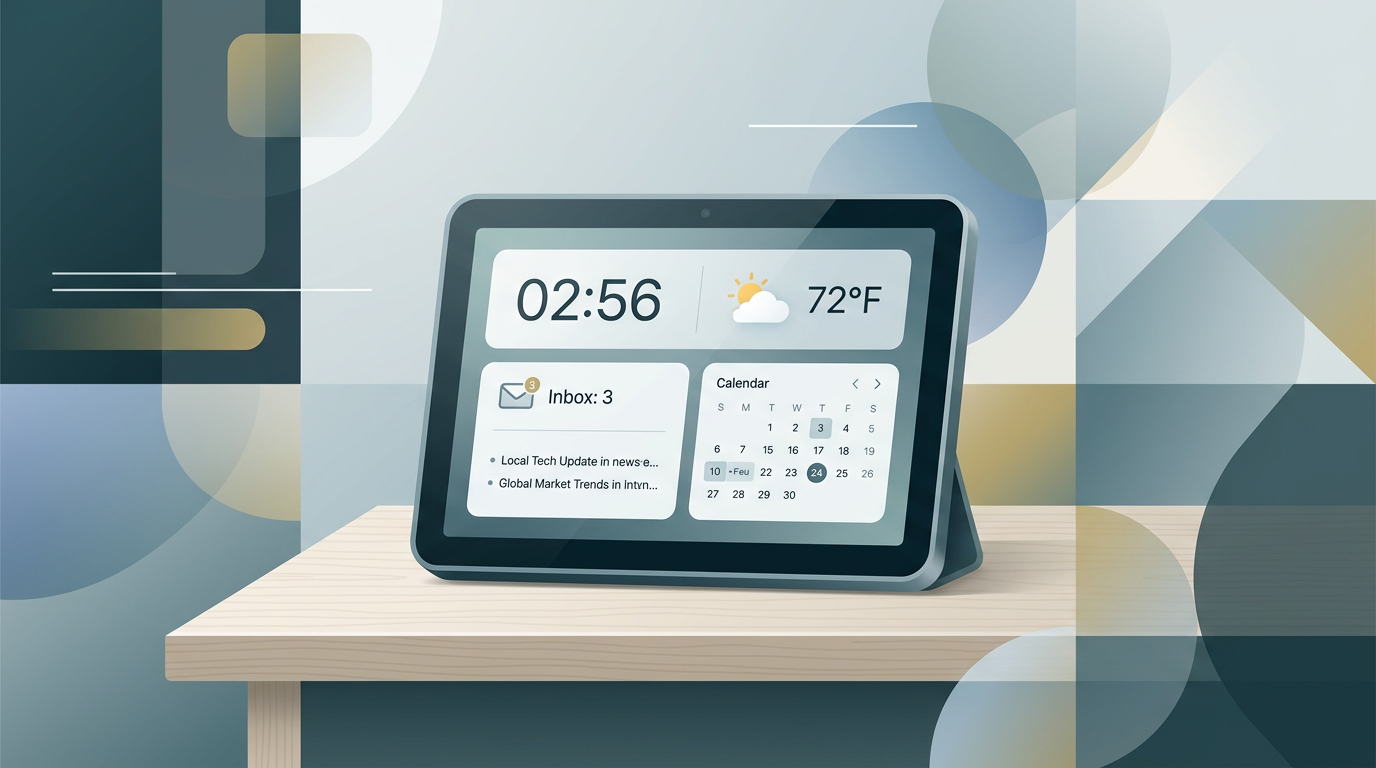
I've been on a bit of a dashboard-building kick lately, and Day Planner Dashboard is the more minimal sibling of my Hebrew Dash project. The idea came from a specific physical setup: I have a 7-inch USB display sitting on my desk next to my main monitors, and I wanted something running on it that would give me the essential information for my day at a glance without needing to check my phone or switch browser tabs. Not a full-blown dashboard with graphs and metrics — just the stuff I actually look at first thing in the morning and throughout the day: what time is it in both my local timezone and UTC (I work with people in several timezones), what emails came in, what's on my calendar, when's my next meeting, what's the weather, and what's happening in the news. That's it. The repo is on GitHub.
Information density without clutter
The whole design philosophy is packing maximum useful information into a tiny viewport. The CSS grid layout arranges four cards: a clock showing local and UTC time with a human-friendly date, a next-meeting-plus-weather card so you know when you need to context-switch and whether you'll need an umbrella, your five most recent emails combined across connected Google accounts, and an agenda-plus-news card showing today's and tomorrow's schedule alongside three latest Google News headlines for Israel. It's designed to fit 800x480 or 1024x600 resolutions, which makes it perfect for those cheap USB displays, a Raspberry Pi screen, or even an old tablet mounted on the wall. The UI auto-refreshes on sensible intervals: time every 15 seconds, email and agenda every 60 seconds, weather every 5 minutes, and news every 10 minutes. You just leave it running and glance over whenever you need to.
It's a Python Flask app that needs Python 3.10+ and a Google OAuth Desktop client credential file for email and calendar access. Weather uses Open-Meteo (no API key needed), news pulls from Google News RSS. The setup takes about five minutes: install dependencies, drop in your Google OAuth file, run the app, and authenticate your Google accounts via the browser. I've been running it daily since I built it, and it's one of those tools that's so simple it disappears into your environment — which is exactly what a good dashboard should do.