
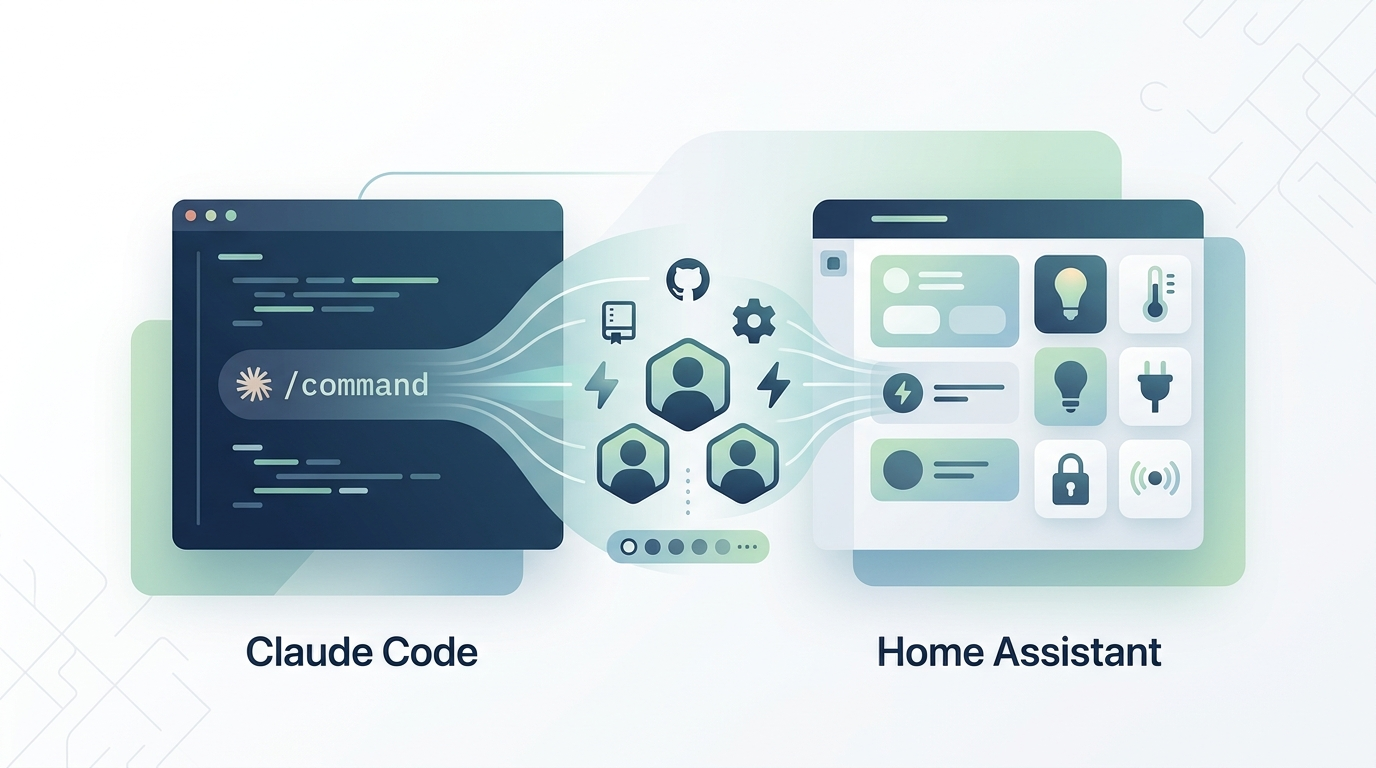
I've been on a bit of a tear creating Claude Code management templates for different systems, and Home Assistant was a natural candidate. The Claude Home Assistant Manager Template provides a comprehensive Claude Code environment optimized for Home Assistant OS administration, complete with over 20 slash commands and 5 specialized agents.
What's included
The template covers the major areas of Home Assistant administration. Health monitoring commands let you check system status, review logs, inspect integrations, and analyze entity health. Backup commands handle snapshot creation, verification, and recovery. Network diagnostics cover connectivity checks for Zigbee, Z-Wave, and MQTT. Maintenance commands deal with updates, restarts, storage management, and performance optimization.
Beyond the slash commands, there are five specialized agents that handle more complex workflows: an automation helper for creating and debugging automations, an integration manager, a device manager, a backup manager implementing the 3-2-1 backup strategy, and a systematic troubleshooter for diagnosing issues.
A template, not a turnkey solution
I want to be clear that this is designed as a starting point that needs customization. Every Home Assistant installation is different, so you'll need to fill in the CLAUDE.md with your actual hardware platform, network configuration, installed integrations, and device inventory. You should also prune the slash commands that don't apply to your setup. Don't use Z-Wave? Remove those commands. No MQTT broker? Strip those out too.
Deployment is straightforward. Clone the repo, customize the CLAUDE.md, and run the sync script to deploy the configuration files where Claude Code expects them. The sync scripts handle copying everything to your home directory, and there's an option for system-wide deployment if you need it.
Check it out on GitHub if you're running Home Assistant and want to bring Claude Code into your smart home management workflow.