
I spend a lot of time managing Android devices. Between testing apps, debloating phones for family members, and trying to squeeze decent performance out of budget hardware, I've developed an intimate and sometimes adversarial relationship with ADB. The problem is that ADB is powerful but hostile -- a firehose of cryptic package names, undocumented manufacturer bloatware, and commands that could brick your device if you get them wrong. So I built the Claude ADB Workspace Template to make Claude Code my co-pilot for Android device management.
The Frustration That Sparked This
If you've ever tried to debloat an Android phone, you know the drill. You Google something like "safe to remove com.samsung.android.lool" and get conflicting answers from forum posts that are three years old. You paste ADB commands from Stack Overflow, cross your fingers, and hope for the best. There's no structured workflow, no safety net, and no institutional memory -- every time you pick up a new device, you're starting from scratch.
What I wanted was something that could remember what it learned about a device, make intelligent recommendations about what's safe to remove, and maintain a forensic trail of every change made. Basically, I wanted a sysadmin for my phone. And it turns out that Claude Code, combined with the right repository structure, is exactly that.
How the Template Works
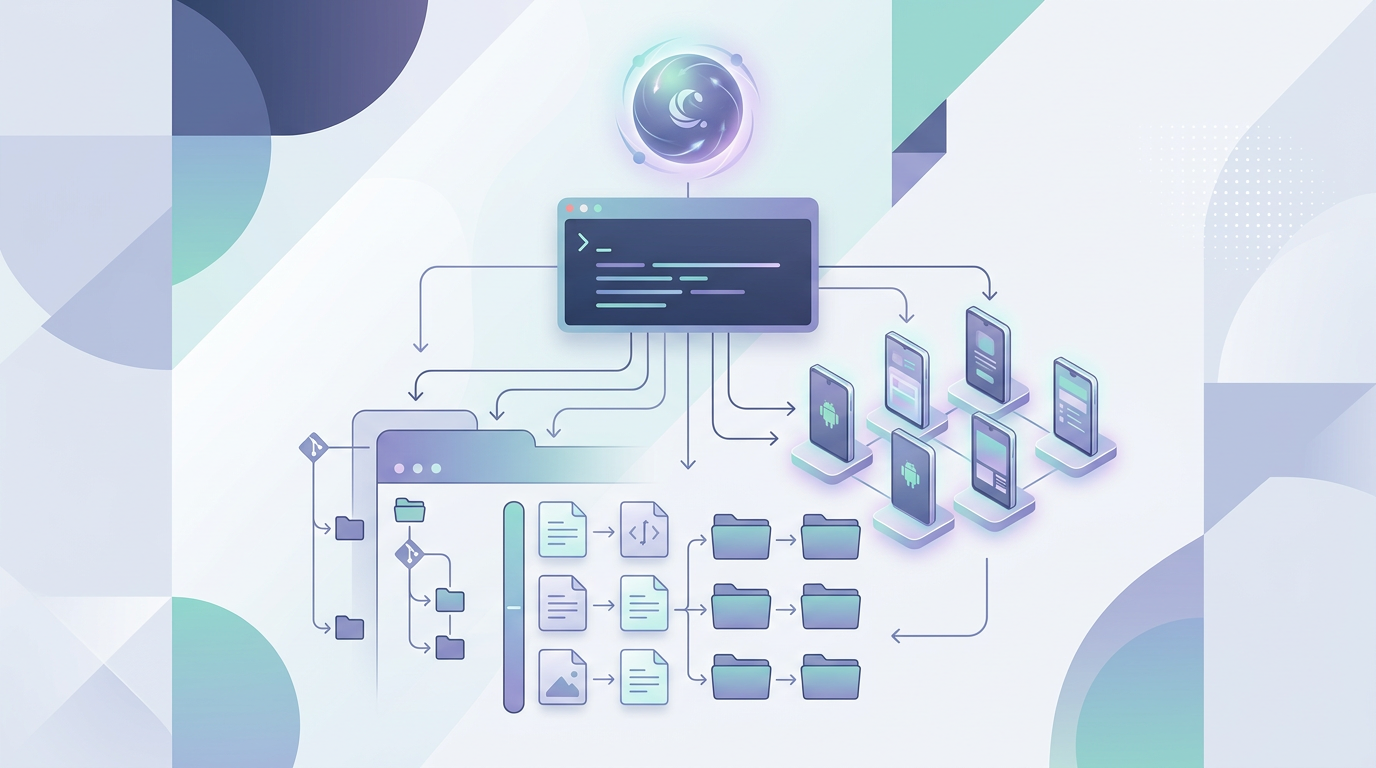
The core idea is deceptively simple. You clone the template, connect your Android device via USB with debugging enabled, and run /setup. Claude probes your device through ADB, gathers hardware specs, identifies the manufacturer and model, checks bootloader status, and writes everything into a manifest/device.json file. From that point on, Claude knows what it's working with -- the device profile persists across sessions because it's version-controlled right there in the repo.
The CLAUDE.md file is where the magic really lives. It instructs Claude to use the manifest folder for device parameters, the packages folder for timestamped package exports, and the forensics folder for diagnostic logs. Every operation is documented. Every package list is timestamped. When you run /export-packages three months apart, you can diff the results and see exactly what changed on the device. That kind of longitudinal tracking is something you simply cannot get from ad-hoc ADB sessions.
Safety as a First-Class Feature
I was paranoid about safety when designing this, and that paranoia is baked into the template at every level. The CLAUDE.md explicitly instructs Claude to categorize every operation by risk level: green for safe operations like listing packages, yellow for reversible changes like disabling apps, and red for destructive operations like uninstalling system packages. Before any yellow or red operation, Claude creates a backup, documents exactly what it's about to do, and provides rollback instructions.
This matters because ADB mistakes are not abstract risks. Remove the wrong system package and you can put your phone into a boot loop. Disable the wrong service and your camera stops working. The risk categorization system means Claude will flag dangerous operations before executing them, giving you a chance to say "wait, I need that" before it's too late.
The Slash Commands and Agents
The template ships with three slash commands and two specialized agents. The commands cover the most common operations: /setup for initial device profiling, /export-packages for creating timestamped snapshots of installed applications, and /diagnostics for running comprehensive device health checks.
The two agents handle more complex workflows. The device-optimizer agent focuses on bloatware identification and removal, performance tuning, and battery optimization. It's the one I use most -- you point it at a device and it identifies manufacturer-installed apps that are safe to remove, ranks them by impact, and walks you through the removal process with appropriate safety checks. The package-manager agent is more analytical -- it digs into individual packages, examines permissions, identifies dependencies, and helps you understand what each piece of software on your device actually does.
Real-World Use Cases
I've been using this template for several things beyond basic debloating. Security auditing is a big one -- having Claude systematically review every installed package, check permissions, and flag suspicious apps is genuinely useful for understanding what's running on a device. Battery optimization is another: Claude can identify apps that are holding wake locks, consuming excessive background data, or running unnecessary services.
One use case I hadn't anticipated is device preparation for specific purposes. When I set up a tablet for my parents, I used this template to strip it down to just the apps they need, disable everything that would confuse them, and document the final configuration. The forensics log in the repo serves as a perfect record of what was changed and why -- invaluable for troubleshooting later when something inevitably stops working.
The Bigger Picture: Repos as Workspaces
This template is part of a broader pattern I've been exploring: using Git repositories not as code containers but as structured workspaces for AI-assisted tasks. The repository provides version control, the directory structure provides context, the CLAUDE.md provides instructions, and the slash commands provide workflow automation. Together, they turn Claude Code into a specialized tool for whatever domain you're working in.
The ADB template demonstrates this particularly well because Android device management is exactly the kind of task that benefits from persistent context and careful documentation. Every device is different, every manufacturer adds its own bloatware, and the consequences of mistakes range from annoying to catastrophic. Having an AI assistant that remembers your device, maintains safety guardrails, and keeps meticulous records transforms a stressful process into a manageable one.
Check out the Claude ADB Workspace Template on GitHub. It's designed to be cloned and customized for each device you manage. If you've ever wished ADB was less terrifying, this might be what you need.